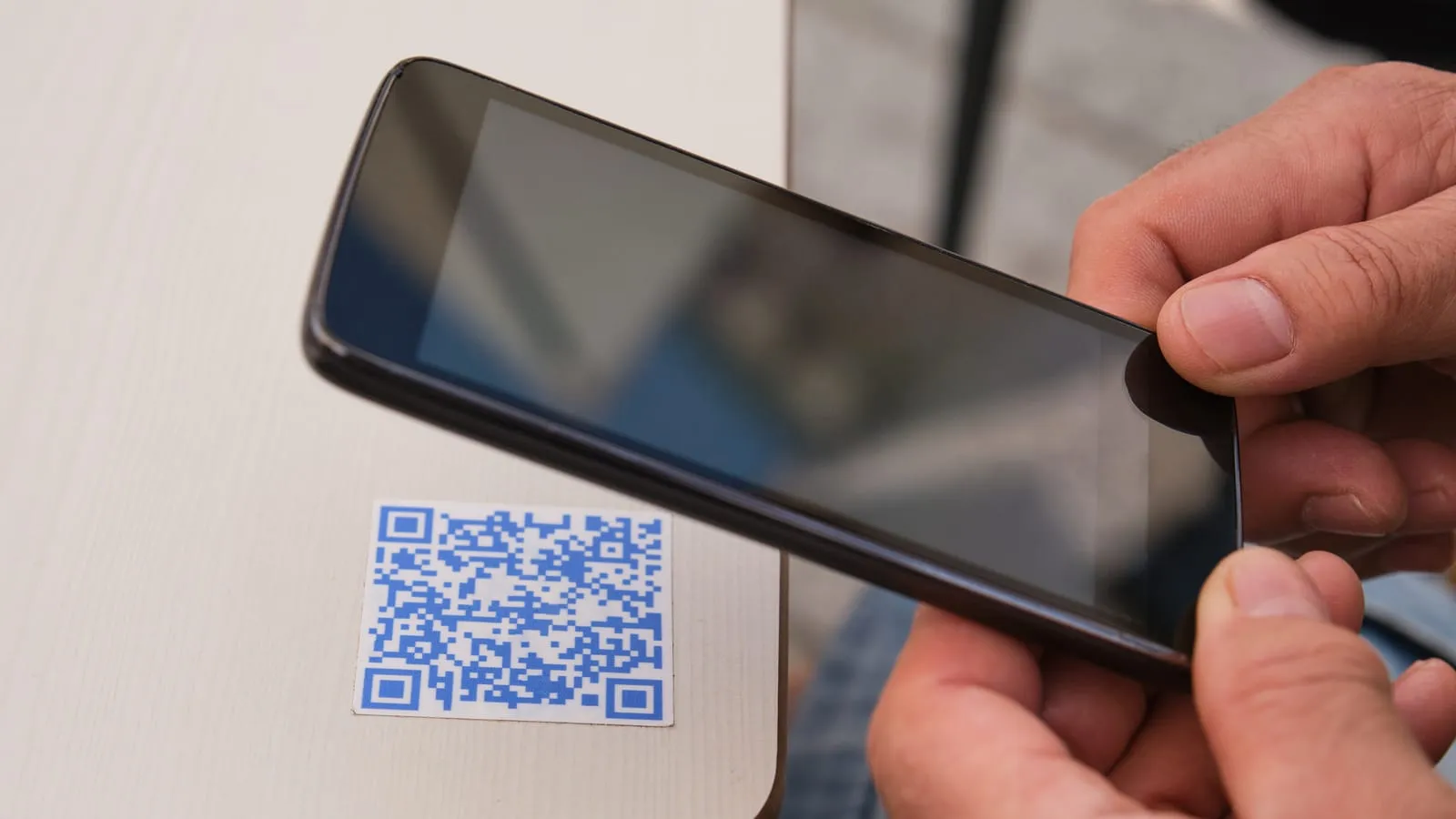
A QR code that works on your screen and fails on the printed sticker has usually failed for one of four reasons, and none of them is the encoder you used. It is the error-correction level, the payload length, the redirect you did or did not put in the middle, or the white margin a designer trimmed off.
Everything else is a default you can leave alone. These four are yours.
I should say up front that I build the QR tooling in ZeroUtil, so this is not a neutral recommendation. Nothing below depends on using it, and I have tried to write the version I would have wanted before I started.
Error correction is not a quality slider
QR codes carry Reed-Solomon error correction, and the level is yours to choose. DENSO WAVE, who developed the format, documents four:
| Level | Restores roughly | Typical use |
|---|---|---|
| L | 7% of codewords | Clean digital display, tight space budget |
| M | 15% | The default, and the most commonly selected |
| Q | 25% | Print that will get handled |
| H | 30% | Industrial, outdoor, or a code with a logo over it |
The instinct is to pick H and stop thinking about it. Error-correction data occupies the same symbol as your payload, so raising the level with a fixed payload forces a larger version, which means more modules, which means each module is physically smaller at the same printed size. Past a point you have bought resilience by making every individual module harder for a camera to resolve, and the code gets less reliable, not more.
The one case where H genuinely earns its cost is a logo overlay. Punching a hole in the middle of a symbol is destroying data on purpose, and the error correction is what makes it survivable. If you are not covering part of the code, M is the level to start from and Q is the level to move to when the code will be handled, folded or scanned at an angle.
Version is chosen for you, and payload length is how you influence it
A QR symbol comes in one of 40 versions. Version 1 is 21x21 modules; version 40 is 177x177; each step up adds 4 modules per side. Every encoder picks the version for you: it takes your payload plus your error-correction level and selects the smallest version that fits.
Two consequences that catch people out:
A longer URL is a physically denser code. Shortening the payload is the cheapest reliability improvement available, and it is usually free. A tracking URL with five UTM parameters can push a symbol up several versions against the same URL without them.
Encoding mode matters more than length. QR has separate modes for numeric, alphanumeric, byte and kanji data, and they have different densities. The alphanumeric mode covers digits, uppercase A-Z and a handful of symbols. Lowercase letters are not in it, so a URL written https://Example.com/Path falls back to byte mode and encodes at a lower density than the same URL uppercased. For a code that has to be small, uppercasing the host is a real win and costs nothing, because hostnames are case-insensitive. Do not uppercase the path; that part is case-sensitive and you will break the link.
Static or dynamic is a permalink decision wearing a QR costume
A static code encodes the destination directly. It works forever, needs no infrastructure, cannot be tracked, and cannot be changed. Once printed, that is the URL.
A dynamic code encodes a short redirect URL you control. You can repoint it, and you get scan analytics. You have also introduced a dependency: the code is now only as durable as the domain and redirect service behind it. Every dynamic QR on a product that outlives its vendor becomes a dead code.
The honest framing is that this is not a QR decision at all. It is the same decision as any permalink: are you willing to run a redirect indefinitely. If the code goes on packaging with a two-year shelf life and you own the domain anyway, dynamic is fine. If it goes on something durable and you are using a third-party shortener you do not control, you are printing someone else’s uptime onto your product.
If you go dynamic, use a domain you own for the redirect. A shortener domain in the payload is also worse for the scanner’s trust prompt, since the user sees a hostname that tells them nothing.
The quiet zone
The quiet zone is the blank margin around the symbol. DENSO WAVE is explicit about the size: a QR code “requires a four-module wide margin at all sides of a symbol”, and that margin has to be a clear area with nothing printed in it. It is the single most common thing designers remove, because in a layout it reads as wasted space.
Without it a decoder cannot reliably find the symbol’s boundary. The failure is not graceful and it is not consistent: the code scans on your phone against a white slide and fails on a printed card where the margin got trimmed, or where a background colour runs up to the edge.
Related and equally common: contrast and polarity. Decoders expect dark modules on a light background. Inverted codes work in some scanners and not others. Low-contrast colour pairs that look fine on screen fail under warm indoor light. If a code has to work, keep it dark-on-light with real contrast, and test the printed artefact rather than the PDF.
What I would actually do
For a code going into the world: level M, the shortest payload you can produce, host uppercased if you are fighting for size, four-module quiet zone kept, dark on light, static unless you have a concrete reason to run a redirect forever.
Then print it at final size, on the real material, and scan it with a cheap phone in bad light. Every QR failure I have seen was visible in that test and invisible in every test before it.